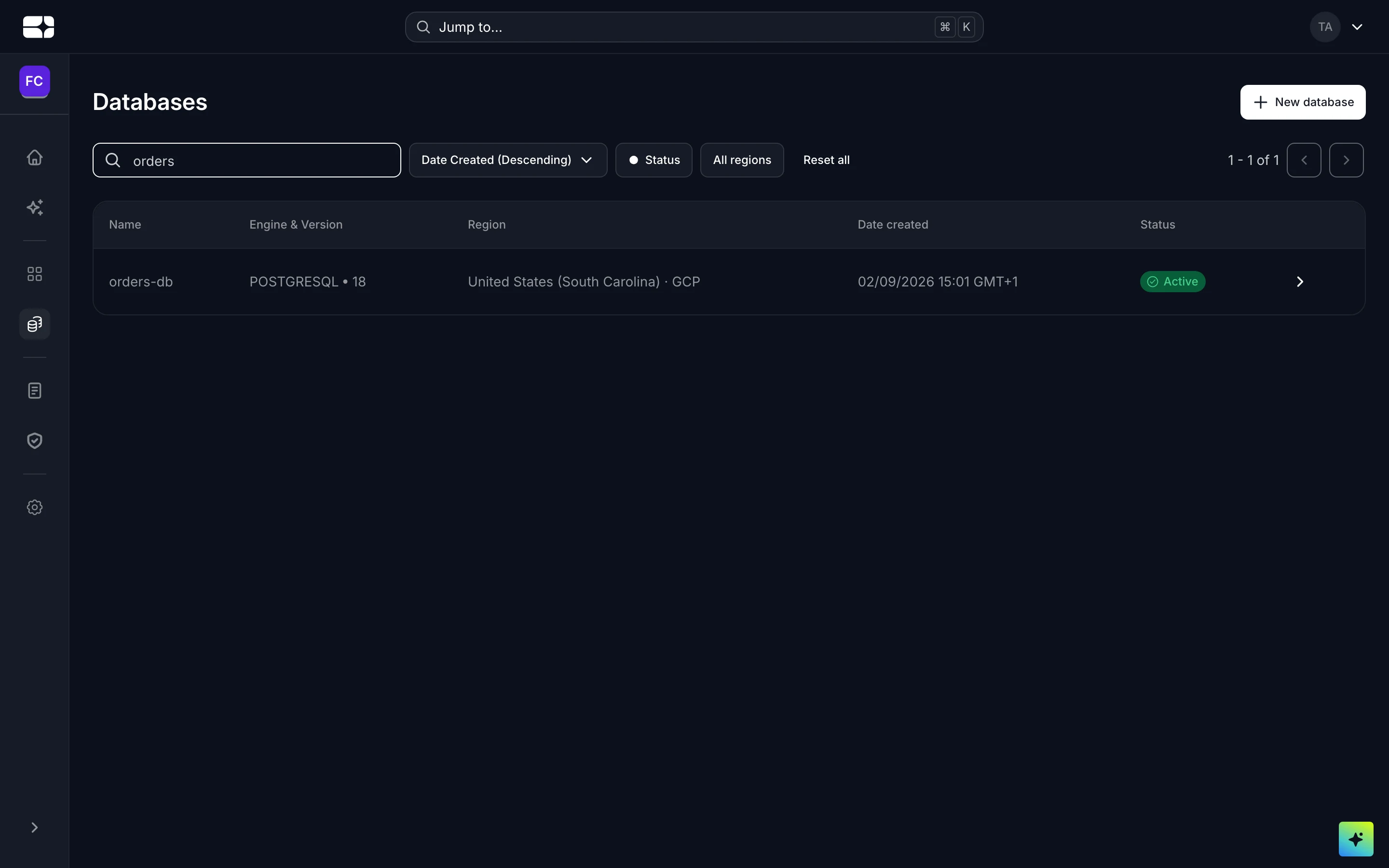
Databases
Salus can provision and run managed PostgreSQL databases for you. A database is an organization-level resource: you choose a size, Salus creates the instance, and you wire its connection details into the projects that need it — no separate database host to operate.
Each database is provisioned into a specific environment (deployment target), so you can run, for example, a development instance and a production instance side by side.
What you get
- A managed PostgreSQL instance, with the engine version chosen at creation time.
- A private internal endpoint that your Salus deployments reach directly, plus an optional external endpoint for connecting over the public internet.
- TLS is required on every connection.
- A lifecycle status (for example, Active) that reflects the instance’s current state and the last change made to it.
Provision a database
Choose a resource tier
Each tier fixes the CPU, memory, and starting storage for the instance. Pick the smallest tier that comfortably fits your workload — you can scale up later.
| Tier | vCPU | Memory | Storage |
|---|---|---|---|
| Micro | 0.1 | 0.6 GiB | 1 GB |
| Small | 0.3 | 1.7 GiB | 2 GB |
| Standard | 1 | 3.75 GiB | 5 GB |
| Large | 2 | 8 GiB | 10 GB |
| X-Large | 4 | 16 GiB | 100 GB |
| 2X-Large | 8 | 32 GiB | 250 GB |
Every tier is billed hourly; the current per-tier price is shown when you select it. See the Billing Dashboard for how usage is charged.
Name the instance and its admin user
- Instance name — starts with a letter, 3–30 characters, using lowercase letters, digits, and hyphens (no underscores).
- Admin username — starts with a letter, 3–30 characters, using letters, digits, and underscores (no hyphens).
Choose the target environment and the PostgreSQL version for the instance as part of creation.
Save the admin password
Connect a database to a project
Link it to a project
The easiest way to wire a database into an application is to link it to a project’s environment. From the database’s Linked projects, pick a project and one of its environments, and Salus injects the connection details — including the password — into that project’s environment variables, so you don’t copy anything by hand.
The injected variables are named after the database. For a database called orders-db:
SALUS_DATABASE_ORDERS_DB_CONNECTION_STRINGSALUS_DATABASE_ORDERS_DB_HOSTSALUS_DATABASE_ORDERS_DB_USERNAMESALUS_DATABASE_ORDERS_DB_PASSWORD
Your app reads these at runtime like any other variable.
Connect manually
You can also connect using the database’s own connection details — useful for reaching it from outside Salus. Fetching a database’s details gives you its connection string and endpoints:
postgresql://<username>:<password>@<host>/<database>
Connections use the standard PostgreSQL port 5432 and require TLS. There are two kinds of endpoint:
- Internal — a private hostname reachable from your Salus deployments in the same organization. This is the default and needs no public exposure.
- External — a public hostname (on the internet) that you can enable when you need to reach the database from outside Salus, such as from a local machine or a third-party tool.
If you wire the connection string in by hand, store it on the project as an environment variable and keep the password as a secret.
Control network access
By default a database is private — only its internal endpoint is reachable, and public access is off. When you enable the external endpoint you can restrict who may connect:
- Public access — the toggle that exposes the external endpoint on the internet.
- CIDR allow-list — the ranges permitted to connect.
- Allowed IP addresses — individual addresses permitted to connect.
Leave public access off unless something outside Salus genuinely needs to connect, and scope the allow-list as narrowly as you can.
Resize and upgrade
- Scale CPU and memory by moving the instance to a larger tier.
- Grow storage to a larger size. Storage is grow-only — it can be increased but never shrunk, so raise it deliberately.
- Upgrade the PostgreSQL version when you’re ready to move to a newer major version.