Pipeline Logs
Pipeline logs give you detailed visibility into a pipeline run. They’re where you go to debug a failure, audit what happened, and follow the step-by-step execution of each stage.
Where to find them
You can open logs from either the pipeline list page or the pipeline details page, via the Logs tab. Once in the logs view, use the drop-down on the left-hand panel to switch between stages — Prepare, Build, Unit testing, Package vulnerability scanning, and Deploy each produce their own logs for that run.
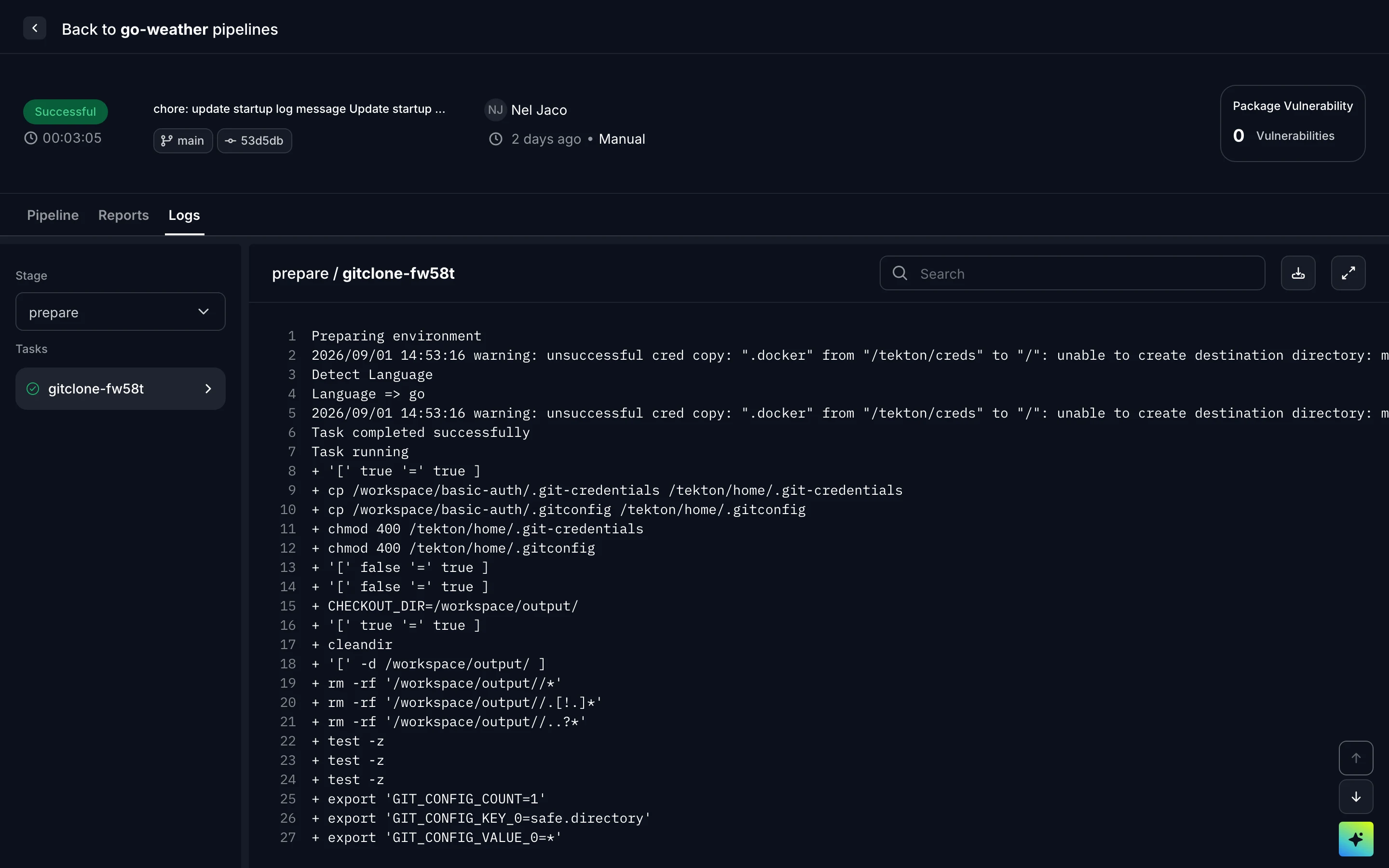
Logs for a pipeline stage
For logs from your running application (rather than a pipeline run), see Logs under Observability.