Git Management
Salus enables users to connect their preferred Git or Version Control System (VCS) to their organization. Connecting a VCS directly to your Salus organization enables you to quickly import repositories and deploy your applications.
Salus supports GitHub and GitLab. To connect or manage a connection, head over to your Git settings in your organization settings.
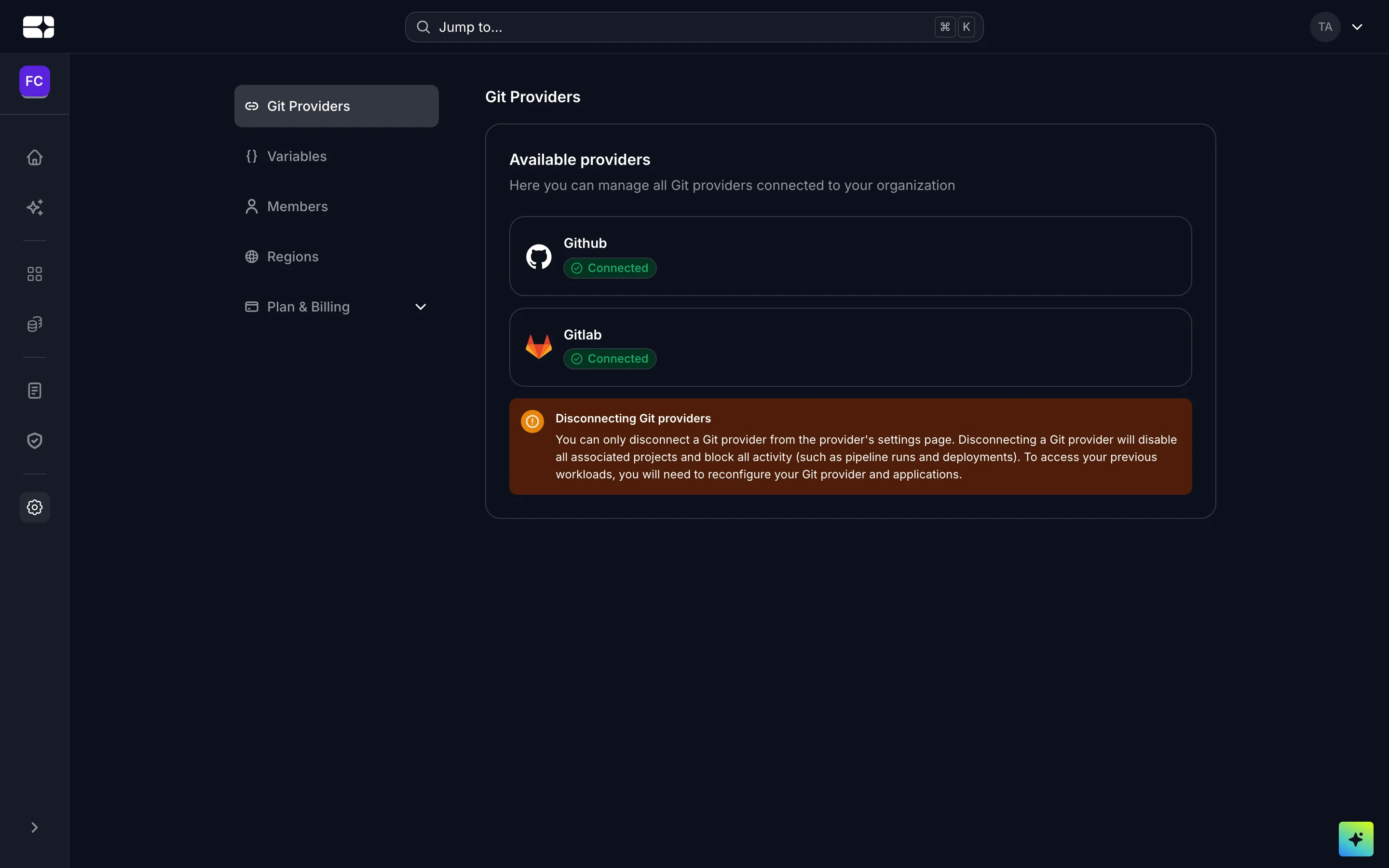
Git providers in your organization settings
GitHub
To connect Github:
- Click on the “Connect” button associated with Github.
- Configure your new application and allow Salus access to all, or some of your repositories.
- Review the permissions granted to Salus.
- Click on the “Install & Authorize” button to complete the process.
- You will be redirected to Salus with a message confirming the successful connection.
- The list of VCS providers will now update to reflect the newly connected status of Github.
GitLab
Click on the “Connect” button associated with Gitlab, you will be redirected to a modal to input required details for the connection. Follow the instructions provided in the input forms to complete connection