Environment Variables
Manage the environment variables your application needs from each environment’s configuration. Each variable can be available at runtime (to your running app), at build time (during the build), or both.
- Secrets — mark sensitive values such as API keys and database passwords as secrets. Salus stores them securely and masks them in the UI.
- Files — a value can be exposed as an environment variable or mounted as a file, for config your app reads from disk.
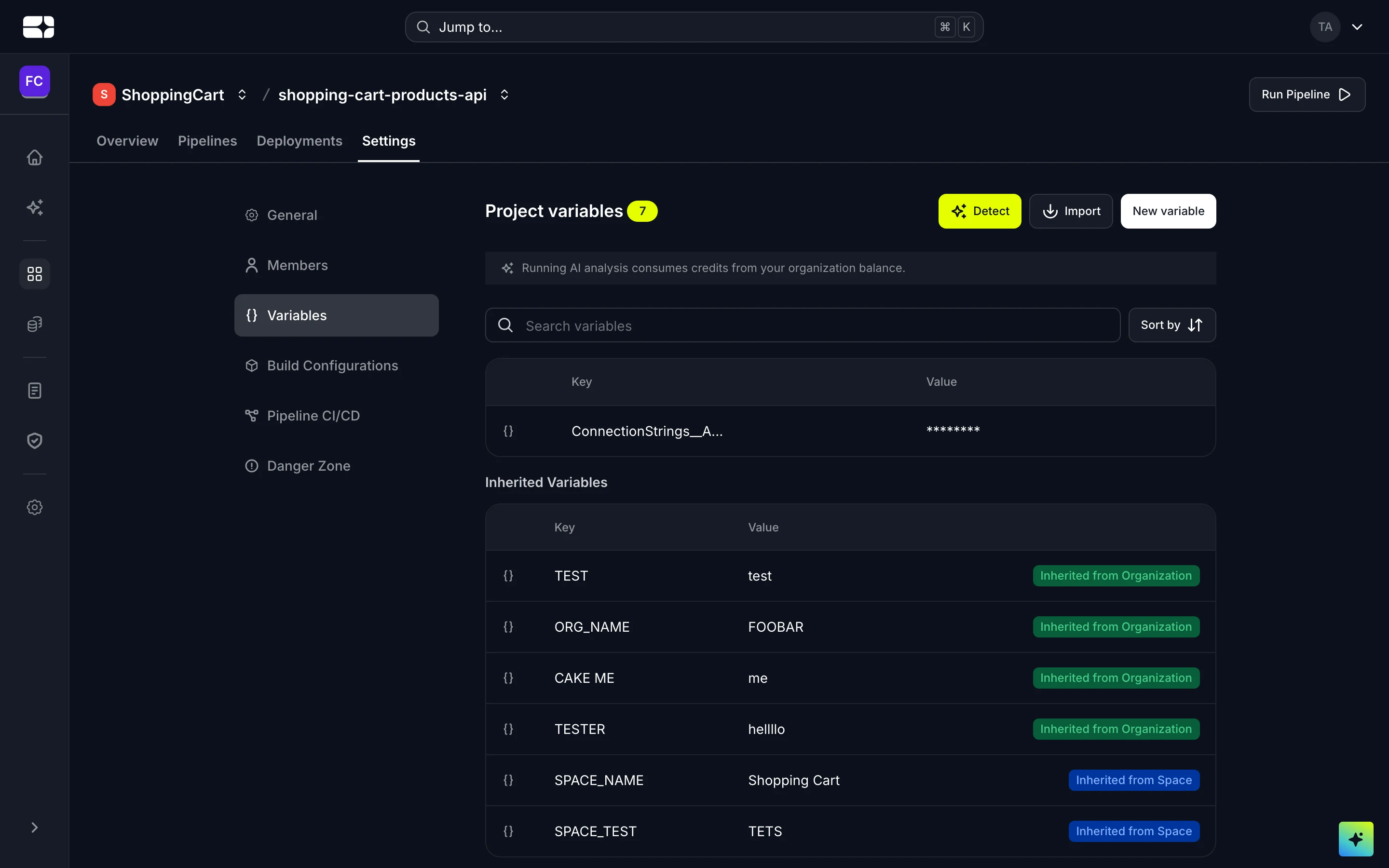
Variables on a project, including those inherited from above
Where variables are set
Variables can be defined at four levels, and a deployment inherits them all merged together. When the same key is set at more than one level, the level closest to the deployment wins:
Organization → Workspace → Project → Release configuration — later overrides earlier.
So you can set a shared value on the organization and override it for a single environment’s release configuration.
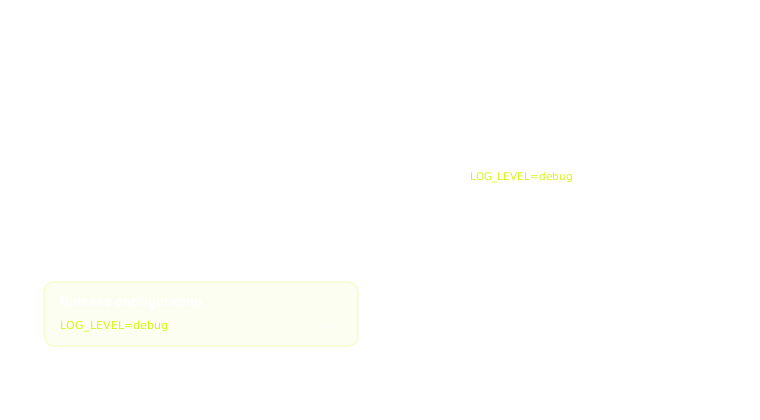
How a variable resolves across the four levels
Example
For a Node.js service you might set:
| Key | Value | Type |
|---|---|---|
NODE_ENV |
production |
Variable (runtime) |
DATABASE_URL |
postgresql://… |
Secret (runtime) |
API_BASE_URL |
https://api.example.com |
Variable (build time) |
Troubleshooting
- A variable change isn’t taking effect. Changes apply only after the deployment is redeployed — trigger one and check again.
- Can’t create a variable starting with
SALUS_. That prefix is reserved for values Salus injects (like linked-database credentials) and is blocked on your own variables.