Pipeline Customization
By default, the quality and security stages report their results but don’t stop a deployment. Pipeline rules let you turn them into gates. You manage them in the project’s Pipeline CI/CD settings.
Pipeline Rules
Pipeline rules let you block a deployment when a quality or security check doesn’t pass — so buggy or vulnerable code can’t reach an environment. Instead of treating the checks as advisory reports, you turn them into gates the build must clear before the deploy stage runs.
You can gate on any of the quality and security stages:
- Unit testing — block if tests fail. See Unit Testing.
- Package vulnerability scanning — block if vulnerabilities are found. See Package Vulnerability Scanning.
When a gated stage fails, the pipeline stops before deploying and the run is marked failed, so nothing ships until the underlying issue is fixed.
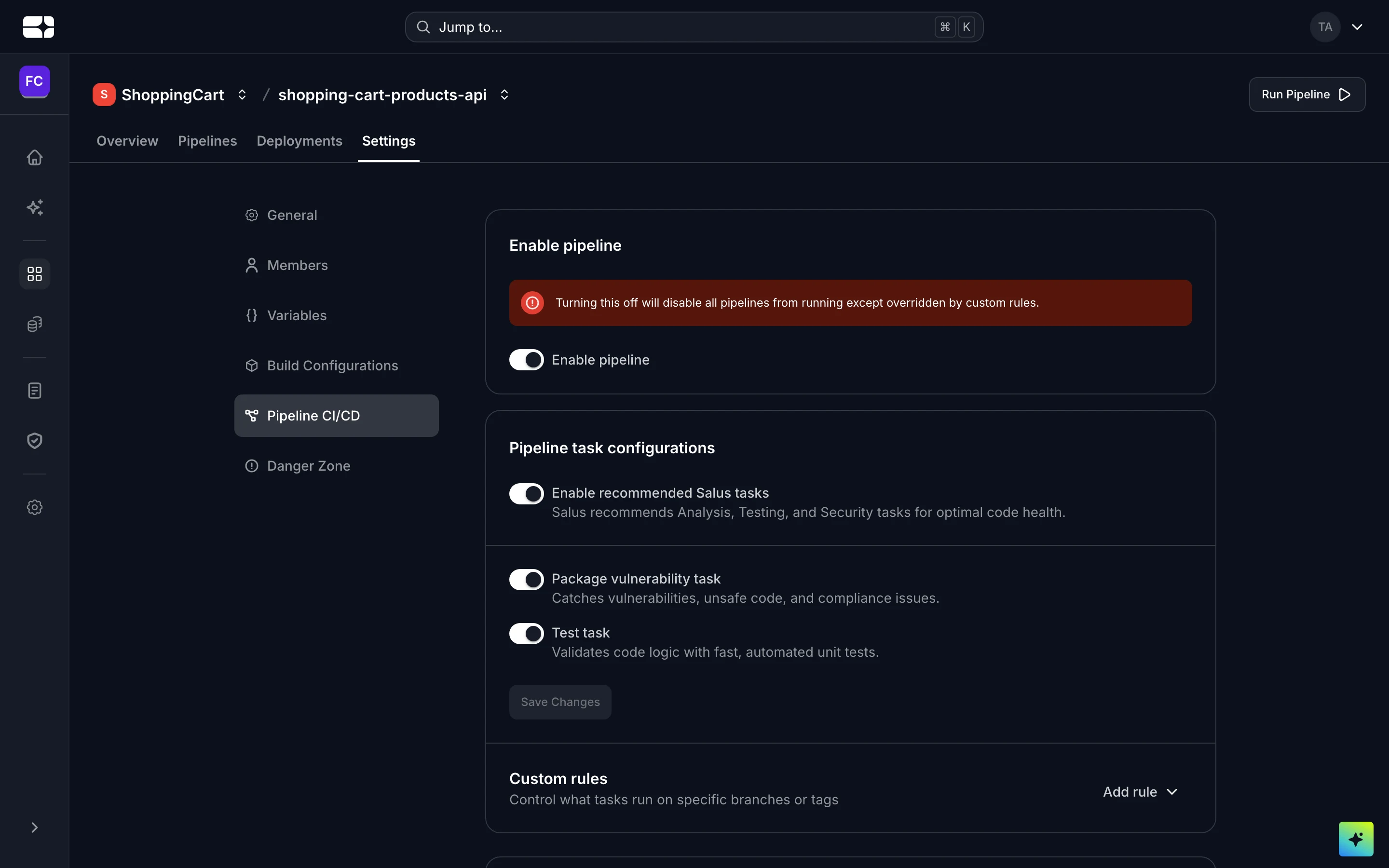
Pipeline rules in the project's Pipeline CI/CD settings