Builds
Salus can trigger a build in the following ways
- Push to Git: When you connect a Git Provider repository, each commit to a tracked branch triggers a new build and deployment.
- Project run pipeline: Clicking Run pipeline in the project also triggers a build
Run a Pipeline from Salus
Running a pipeline on Salus will automatically trigger a build. To run a pipeline, navigate to an existing project and click on run pipeline. There are two ways you can run pipelines on Salus by branch or tag.
Build configurations
Manage how your project is built under Build Configurations in the project settings. Salus builds most projects with its in-house buildpacks and detects sensible defaults automatically; you can override any of the build details or switch to a custom Docker build.
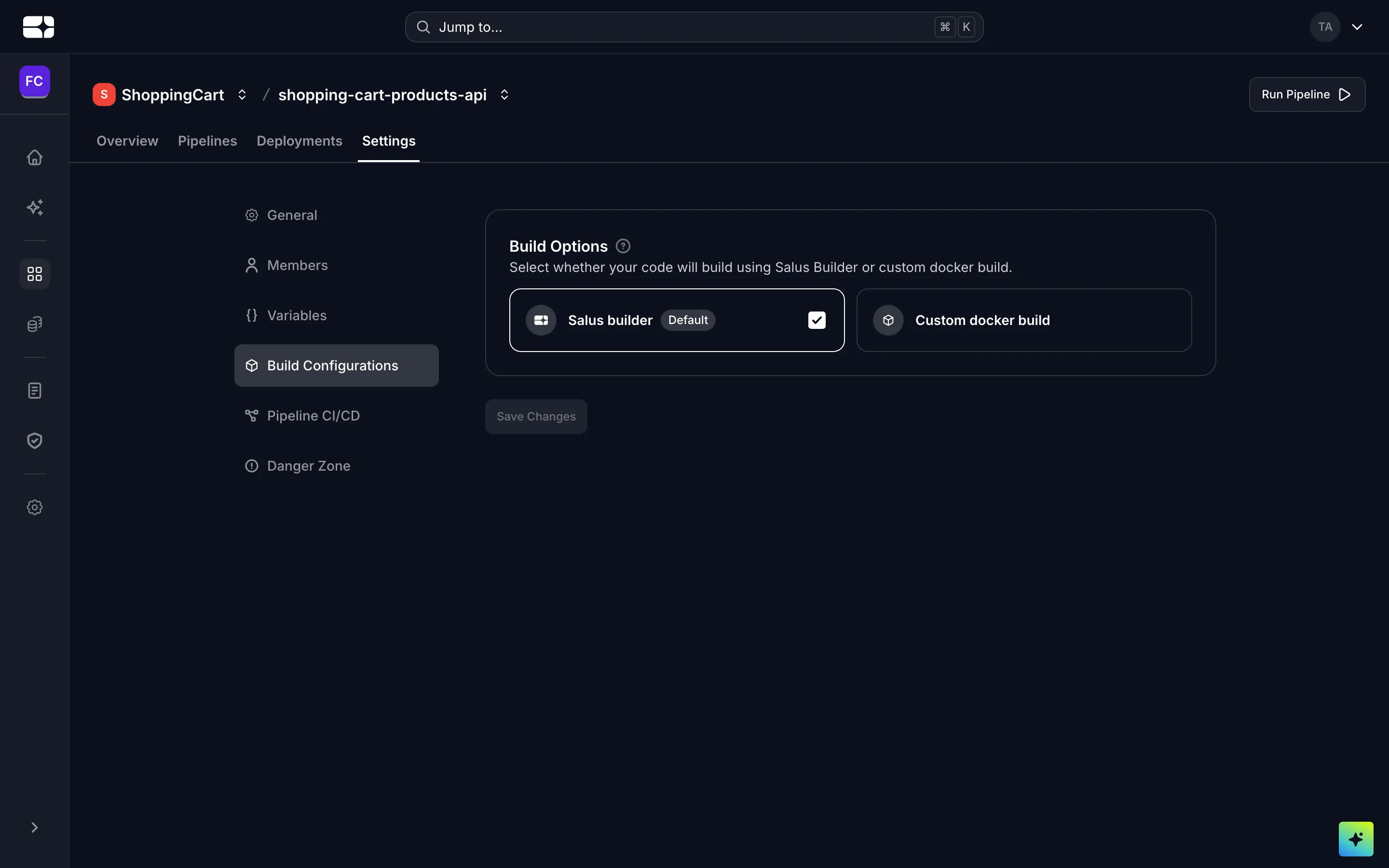
Build Configurations in the project settings
You can set:
- Install command — how dependencies are installed (auto-detected from your lockfile if left empty).
- Build command — the command that produces your build.
- Output directory — the folder your final build output lands in.
- Test command — the command that runs your unit tests.
For more detail, see Buildpacks and Custom Docker Builds.
Build Logs
You can view your build logs by clicking on the log tab and the drop down on the left-hand panel to access the application logs for the build stage